JMStudio — Built for Your Scanner
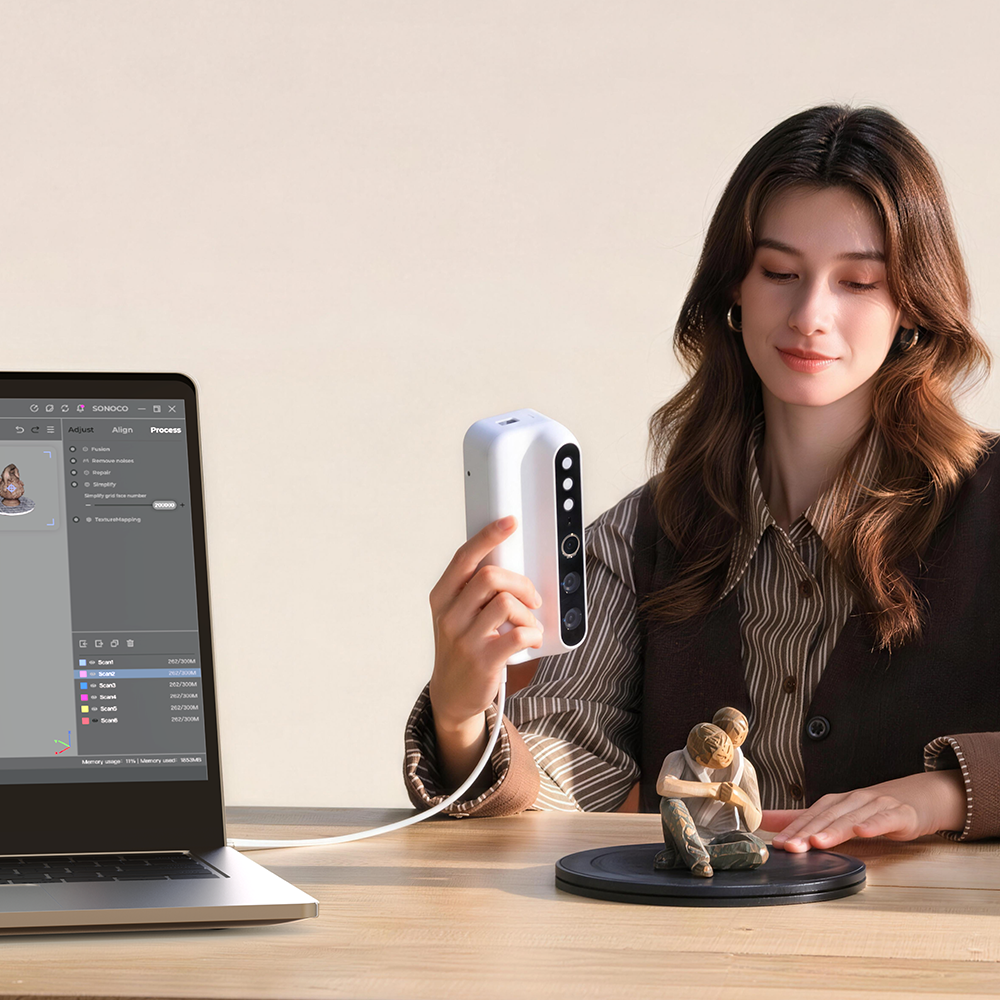
The exclusive 3D scanning software by 3DMakerpro. Real-time capture, one-click optimization, and seamless export to STL, OBJ, PLY & ASC formats.


Secure up to 35% OFF today! Please note our pre-order shipping schedule:
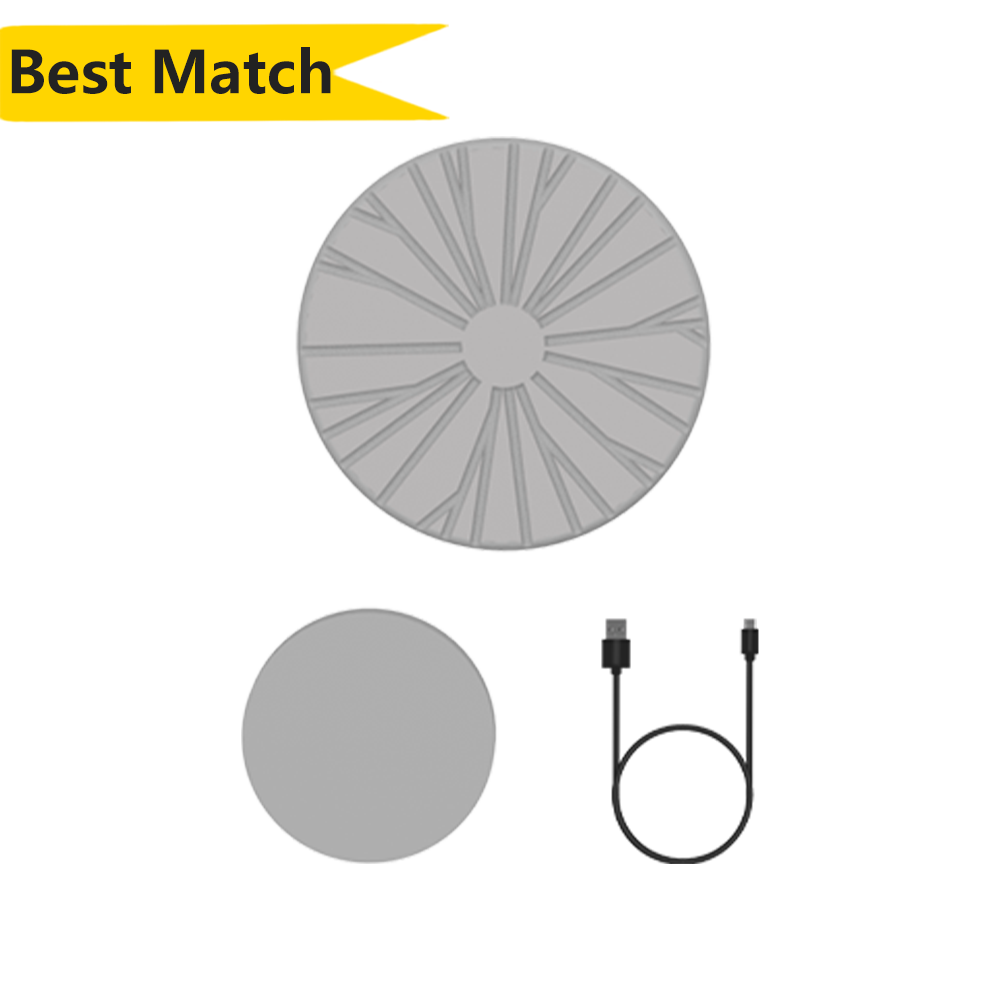
Placa giratoria básica
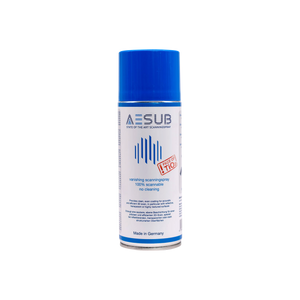
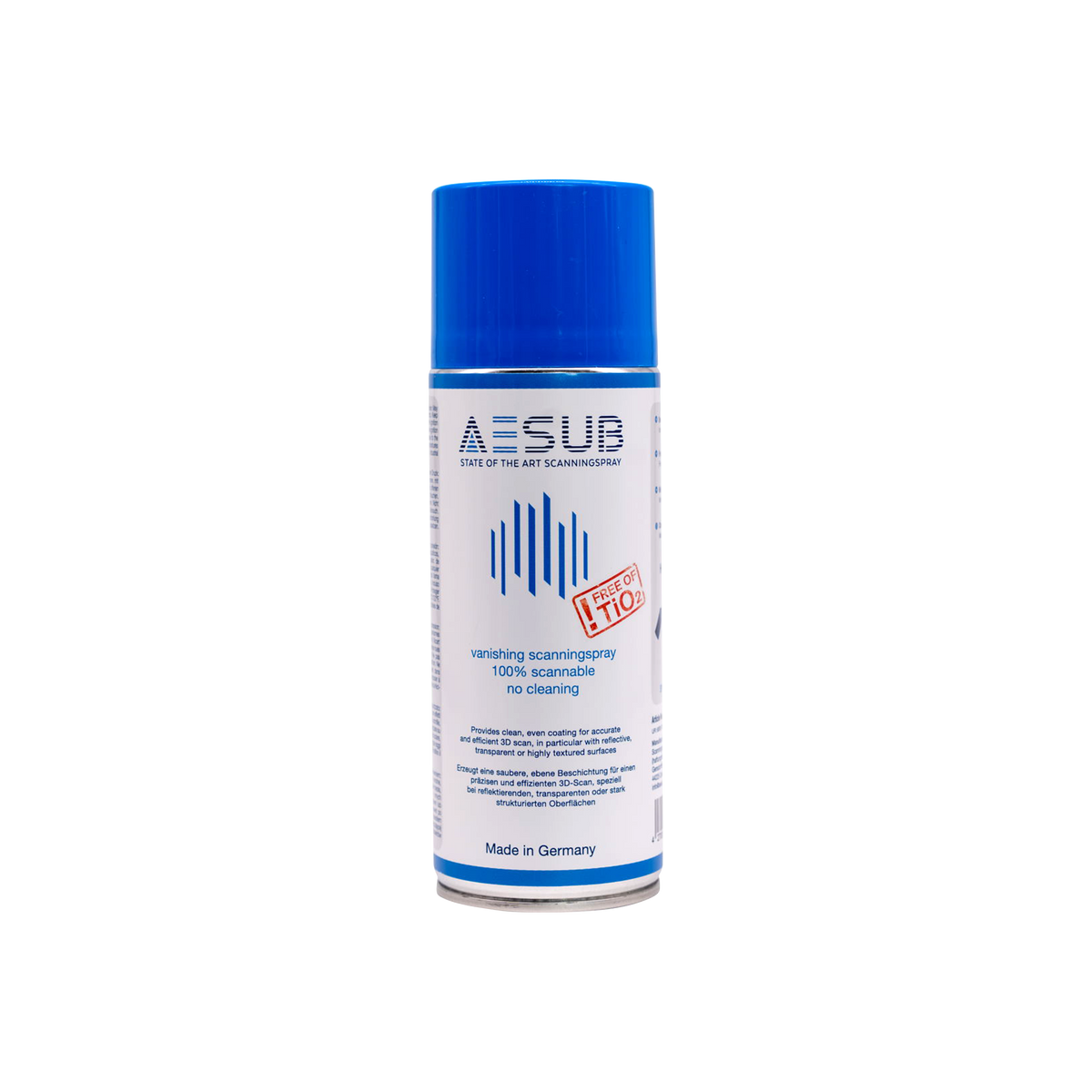
AESUB Espray Azul Escaneo 400 ml
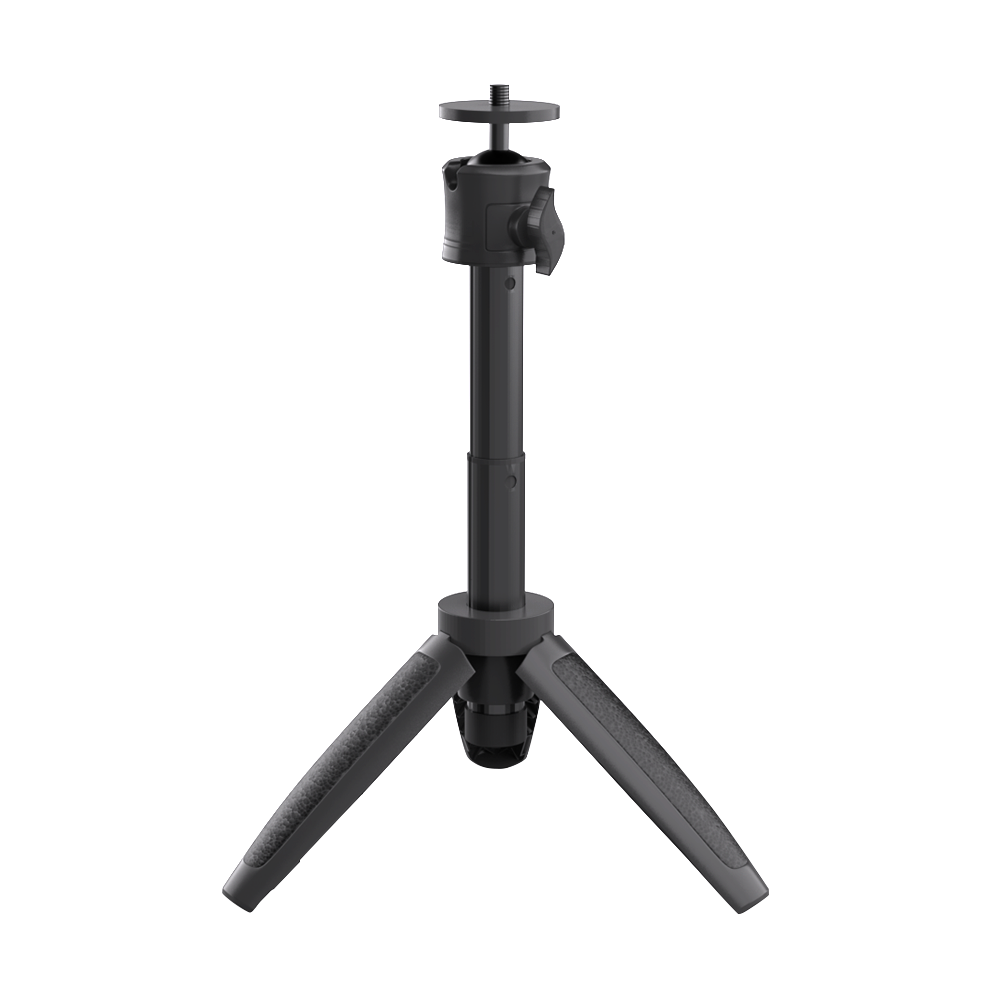
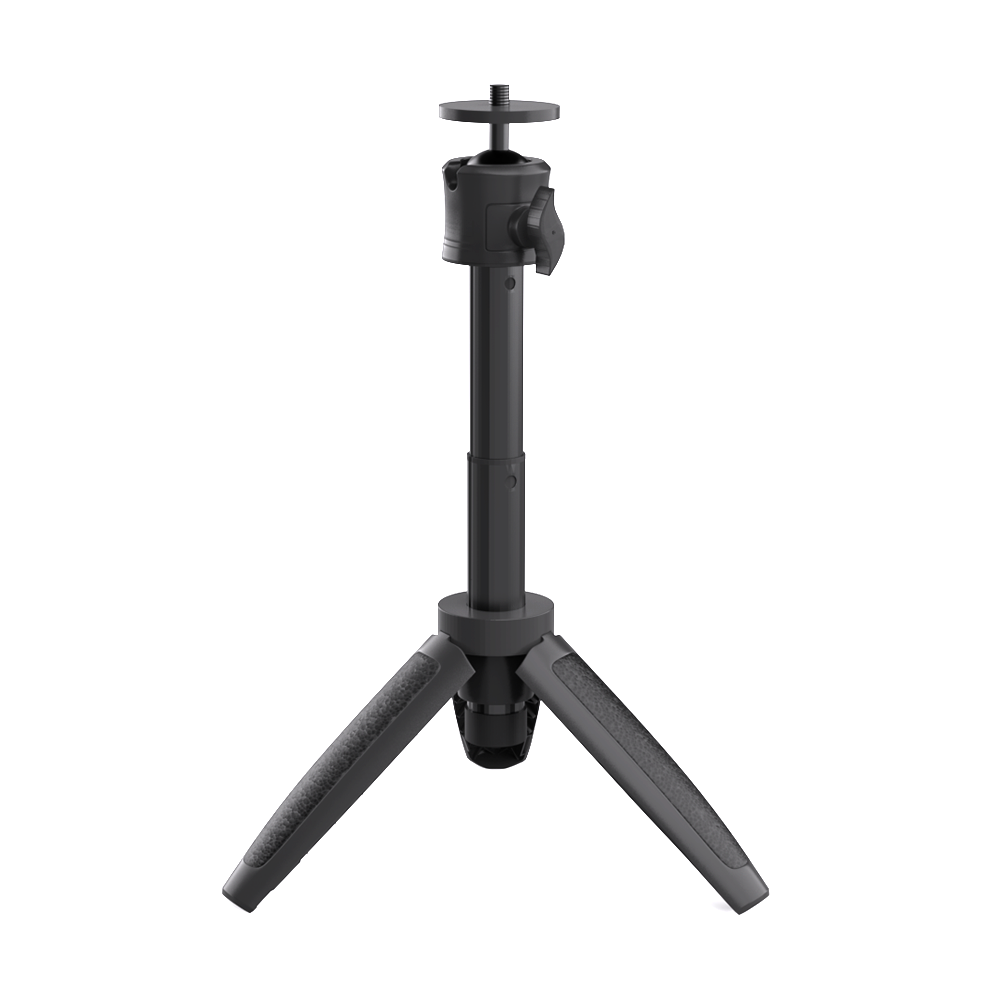
Trípode para Moose Serie
Two-year warranty


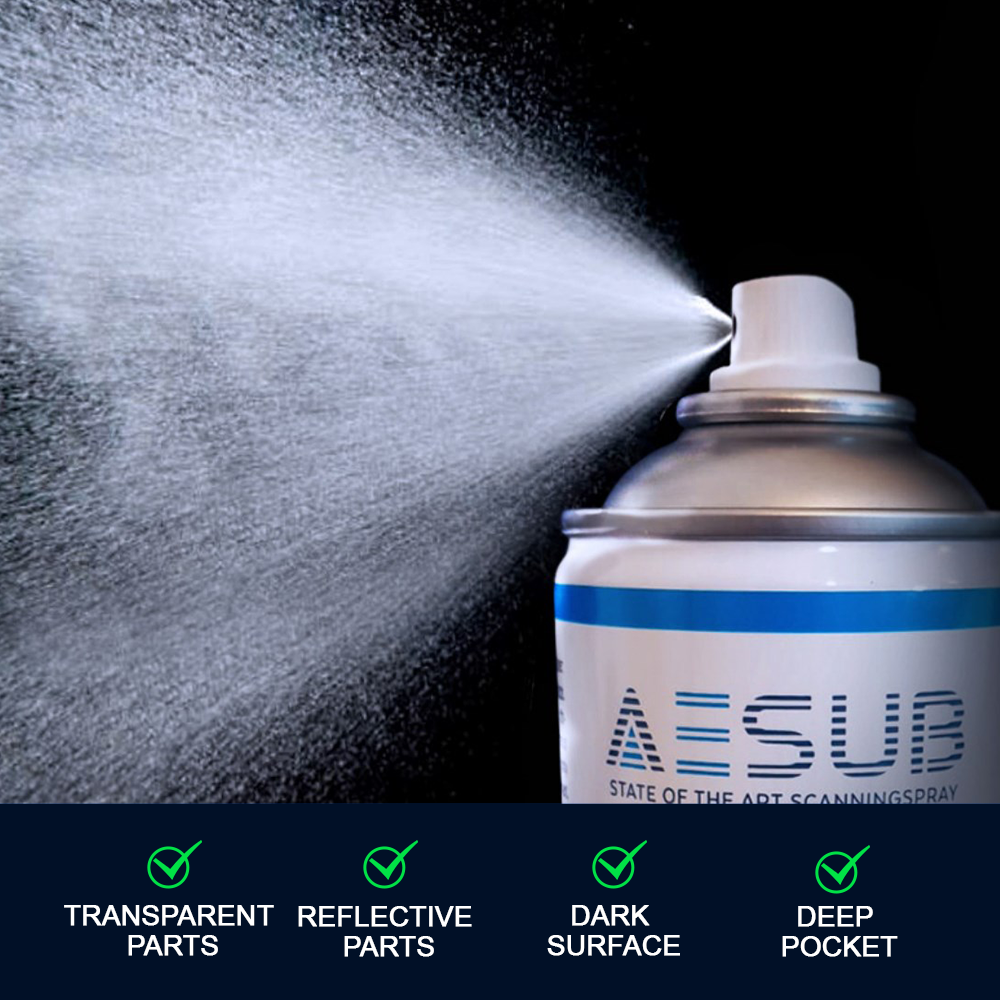
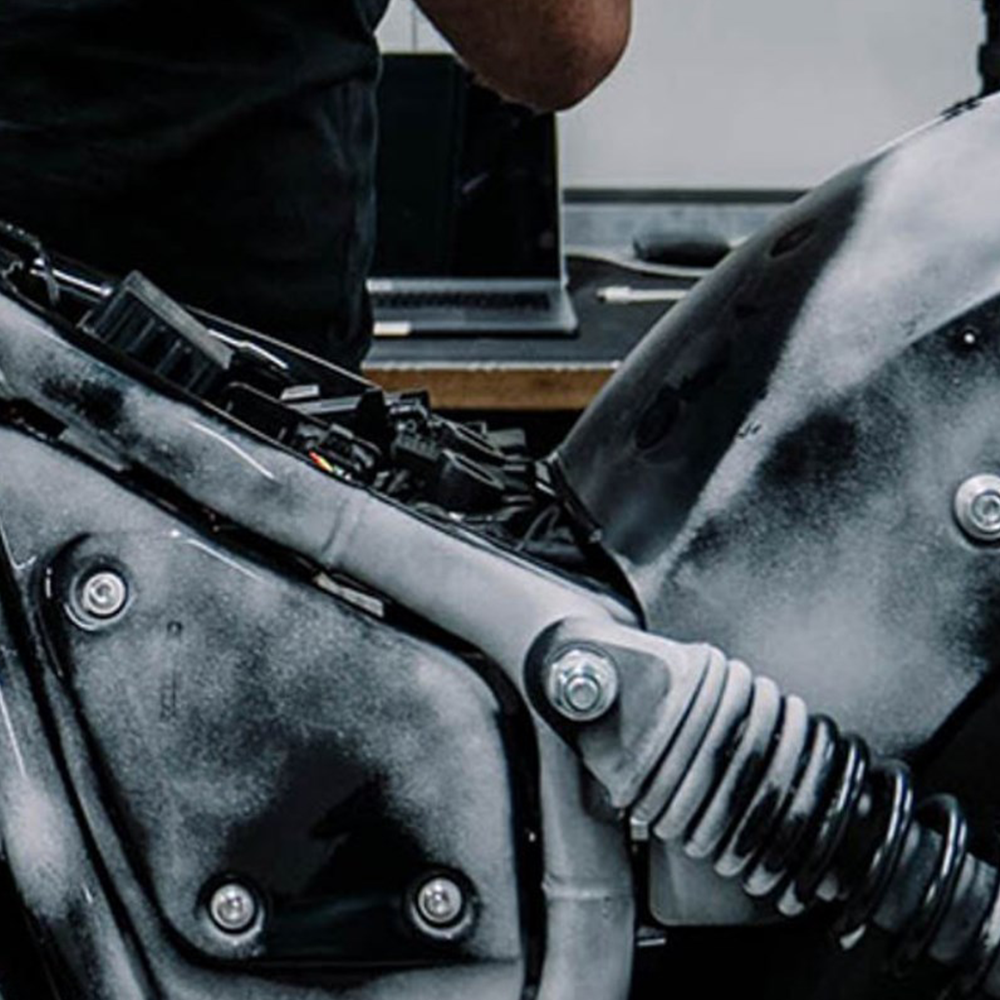
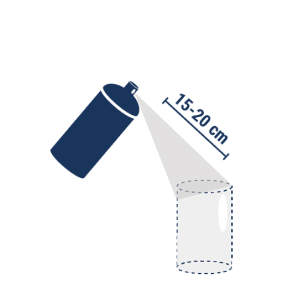
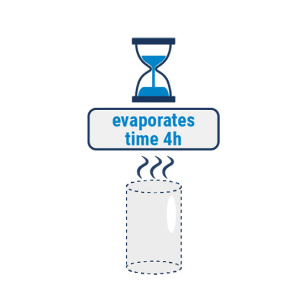
AESUB azul es un espray de escaneo autoevaporable, desarrollado por expertos en escaneo. El espray se evapora en pocas horas, lo que significa que no es necesario limpiarlo después del escaneo. A diferencia de los esprays tradicionales, AESUB azul no contiene pigmentos, lo que evita la contaminación por pigmentos en áreas sensibles, como laboratorios, plantas de producción, equipos y usuarios. Por lo tanto, puede aplicar AESUB azul directamente en el lugar del escaneo, sin costosos transportes, para evitar la contaminación por pigmentos en áreas sensibles. En resumen, AESUB azul aumenta considerablemente la eficiencia y la productividad en los procesos de digitalización.


|
Esencial |
Un poco |
|
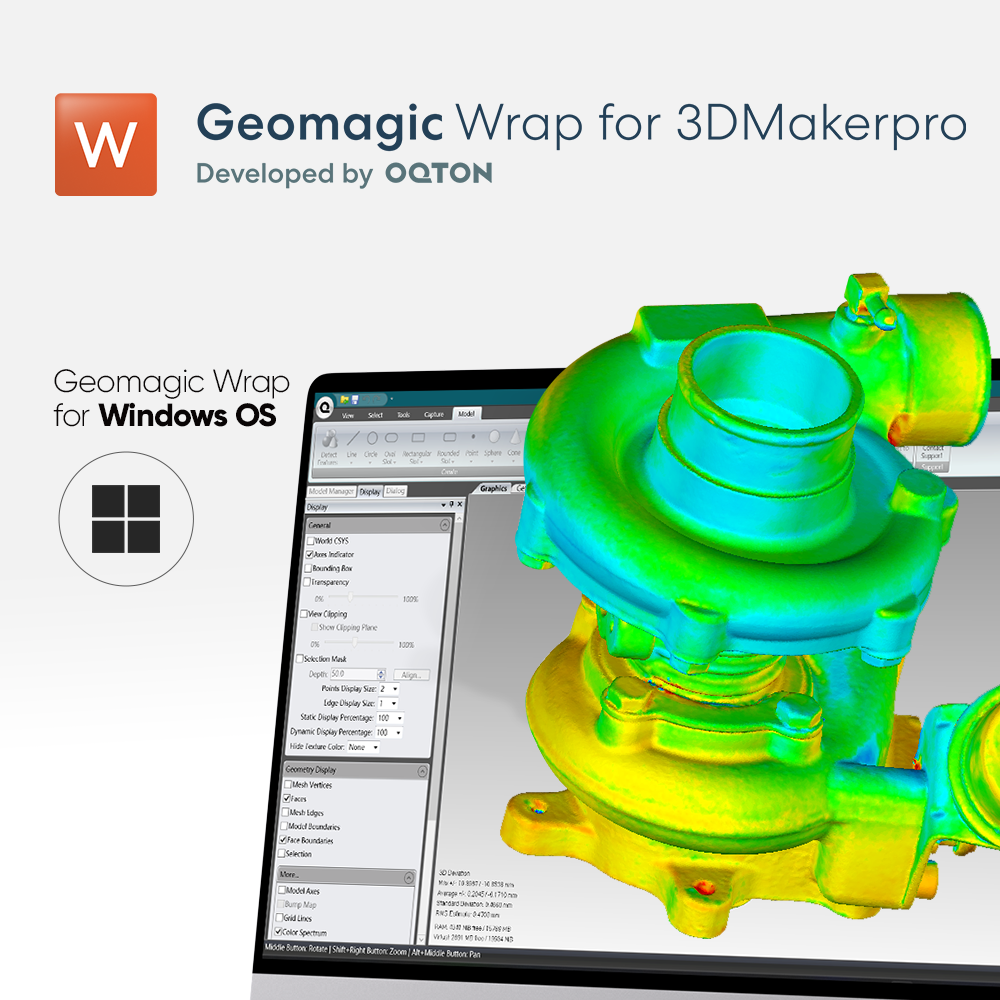
Importación de formatos de escaneo 3D neutros (STL, OBJ, PLY, XYZ, PTS) |
| Exportar formatos CAD neutrales (STEP, IGES) | Exportar formatos CAD neutrales (STEP, IGES) |
| Alineación y refinamiento básicos de escaneo a escaneo | Alineación y refinamiento básicos de escaneo a escaneo |
| Escanear a alineación del sistema de coordenadas mundial | Escanear a alineación del sistema de coordenadas mundial |
| Edición de nube de puntos | Edición de nube de puntos |
| Curación y refinamiento de polígonos | Curación y refinamiento de polígonos |
| Sección transversal a través de modelos | Sección transversal a través de modelos |
| Análisis de precisión para sólidos 3D | Análisis de precisión para sólidos 3D |
| Herramientas de medición 3D | Herramientas de medición 3D |
| Detección y extracción automática de características prismáticas | |
| Ajuste de características prismáticas restringidas a escaneos: punto, línea, plano, esfera, cono, toro, etc. | |
| Exportación de características de ajuste en formatos CAD neutrales | |
| Dibujo y edición de curvas 3D | |
| Superficies automáticas: conversión rápida de polígonos a CAD |

A sharper sensor for detail and color. A stronger projector for coverage and depth.
Same object, same distance, same lighting. 1:1 crop, no sharpening.

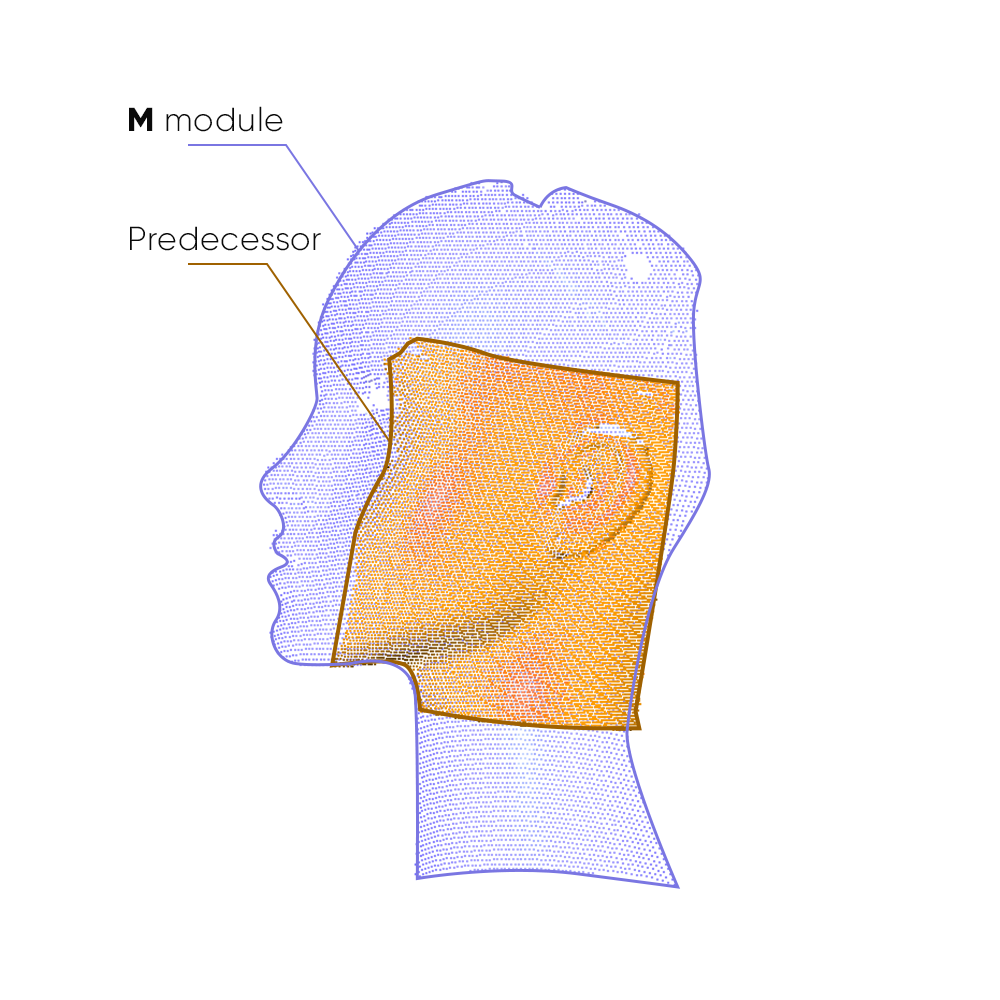
Capture area per frame

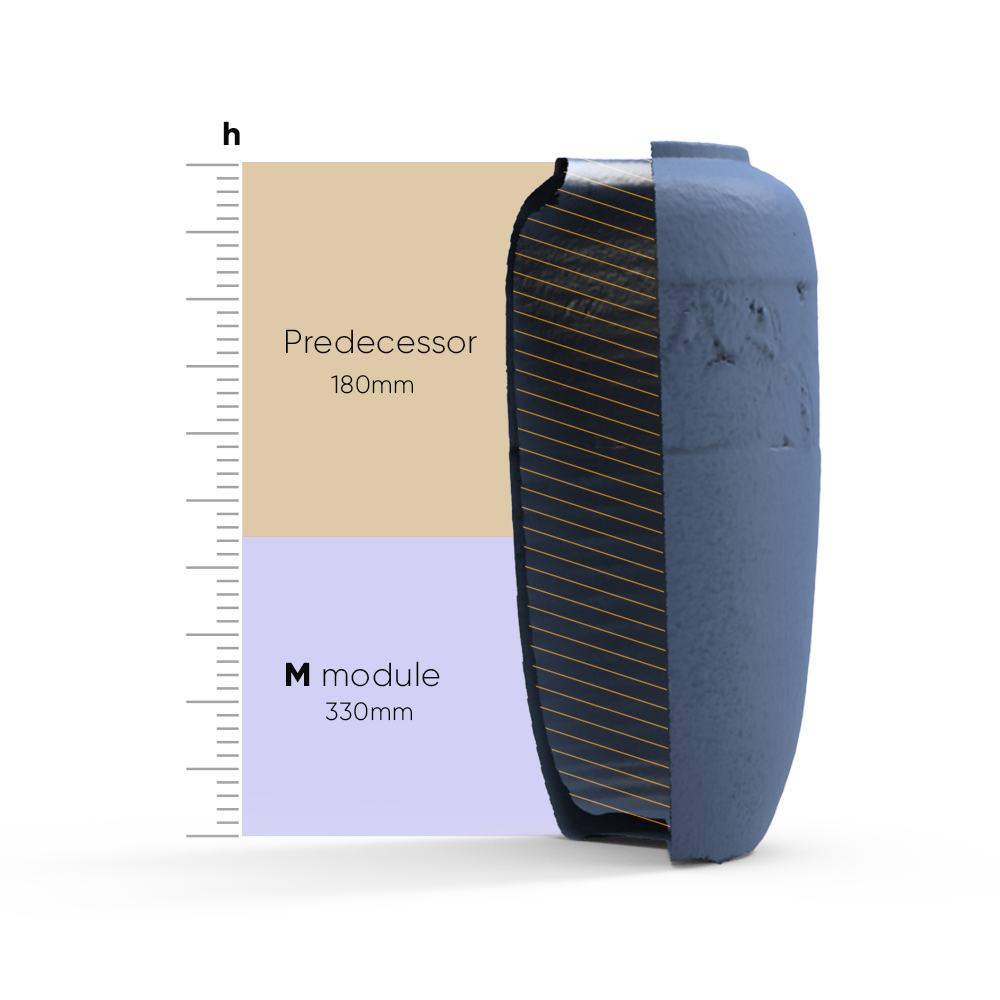
Scan depth per frame
Swap a module to change what you scan. Change the setup to change how. Everything else — capture, processing, export — stays on the device.
HANDHELD · SPLIT · DESKTOP
The module decides what you scan. The setup decides how you scan it. Any module works in any setup.
ON-DEVICE PROCESSING → NO LAPTOP REQUIRED
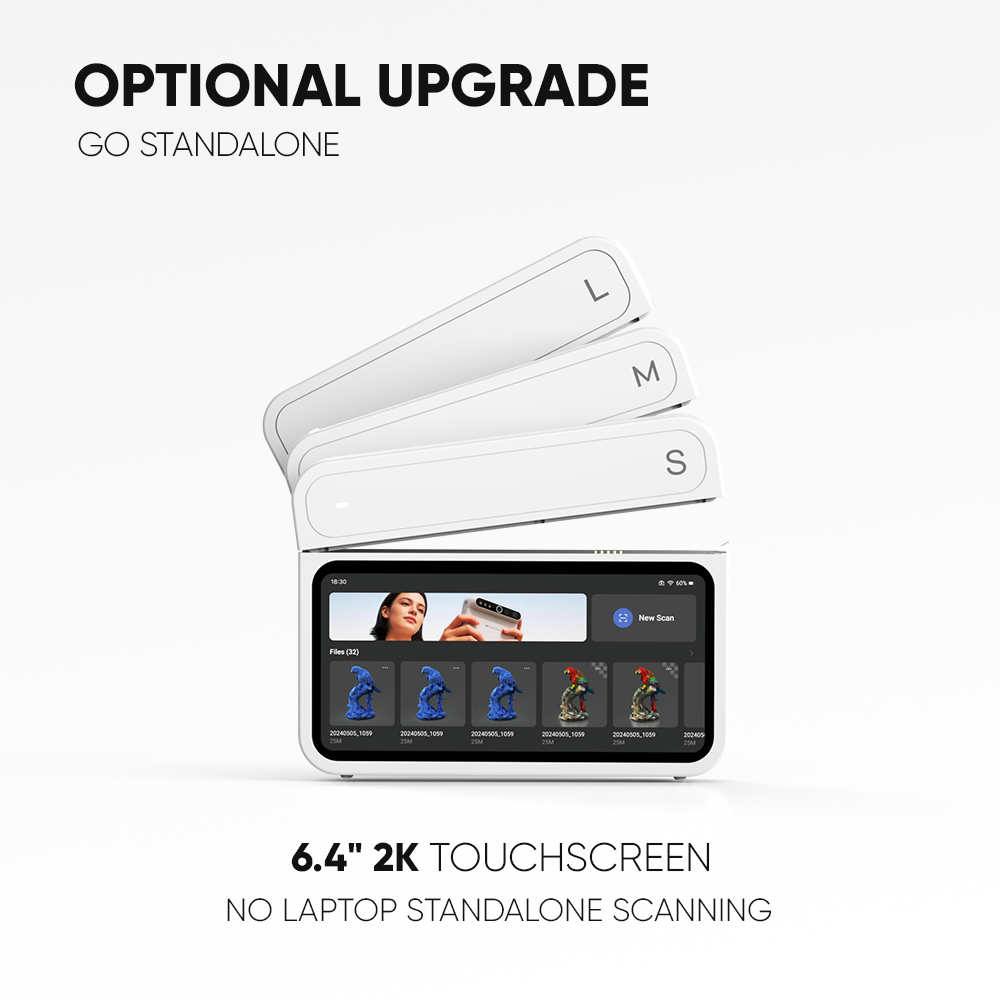
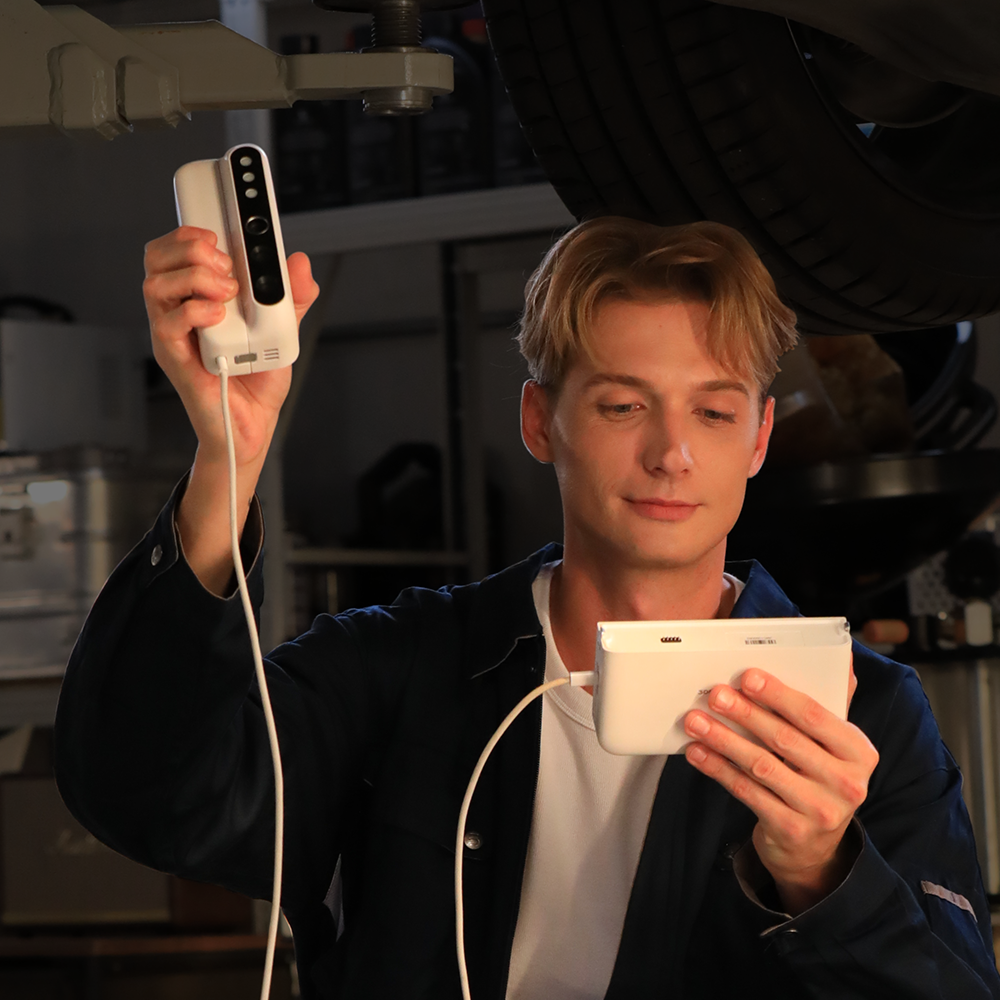
Scan, process, and export without a computer in the loop. Review your model on the 6.4″ 2K AMOLED screen the moment you finish, and take the file with you.

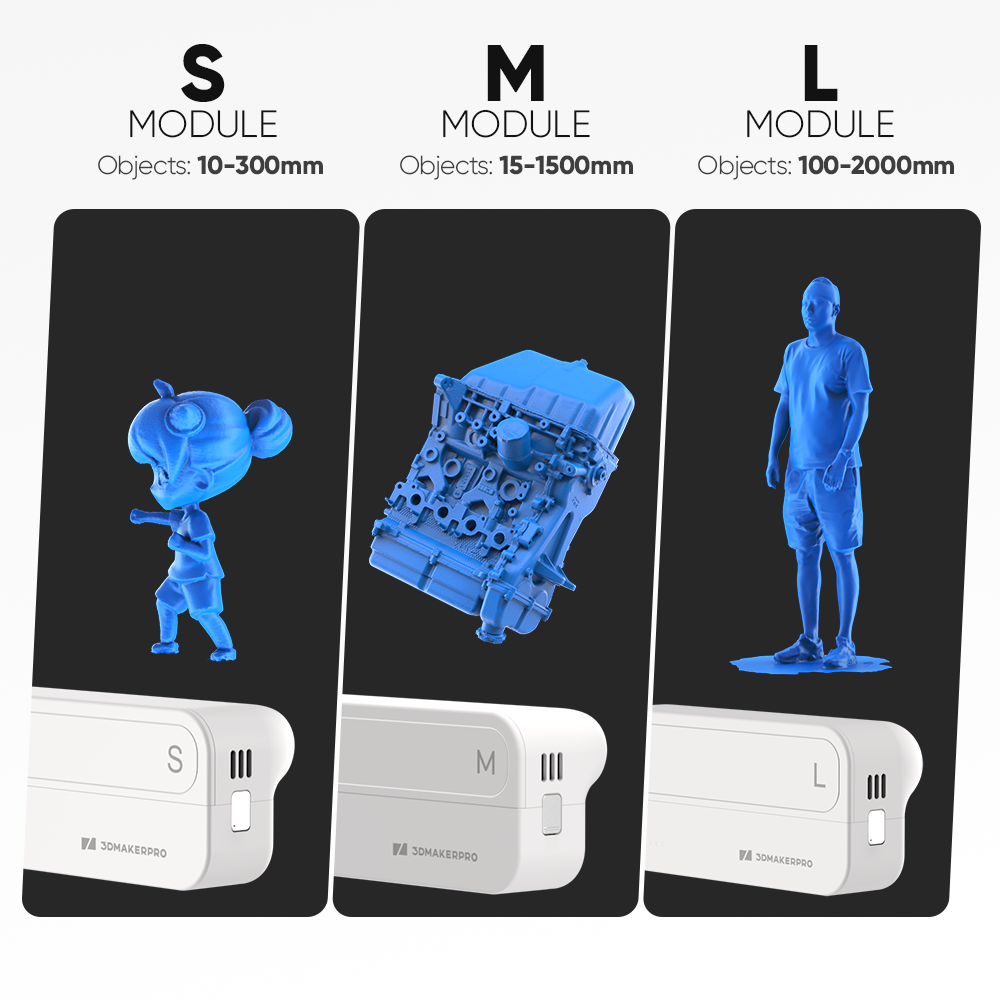
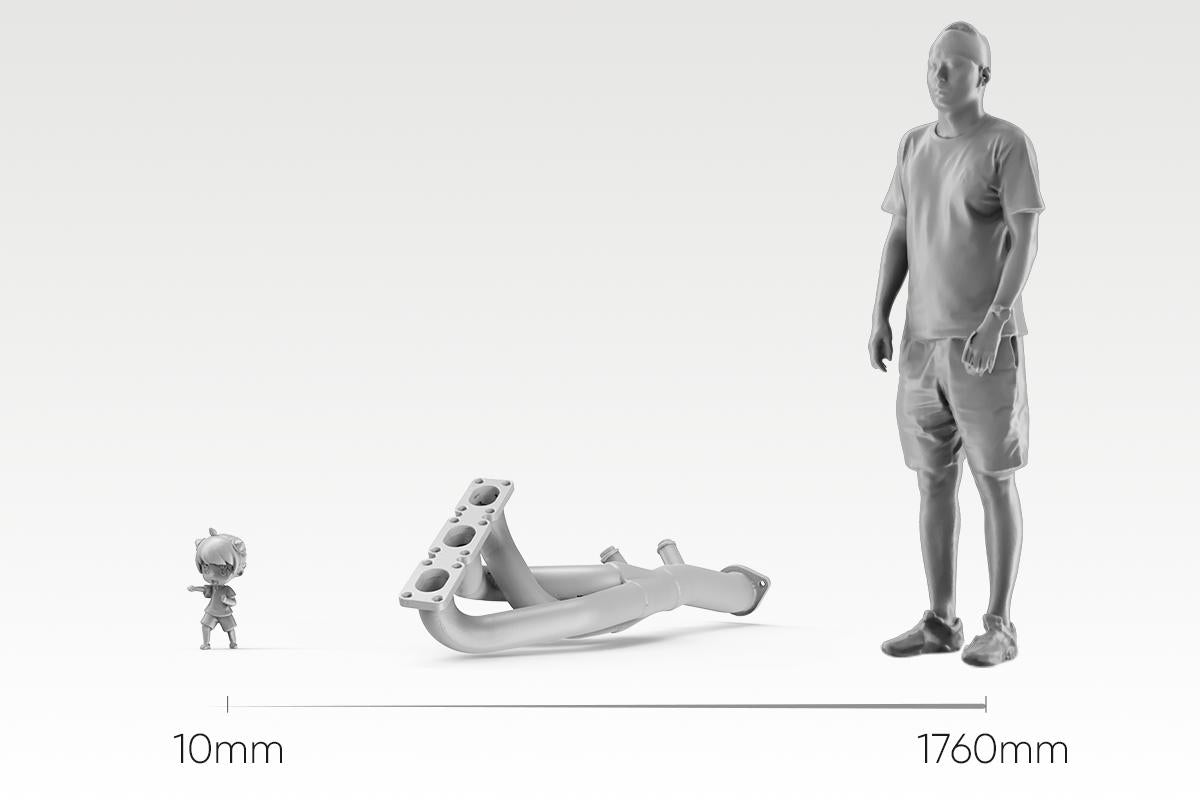
S/M/L INDEPENDENT OPTICS → 10MM–2000MM COVERAGE
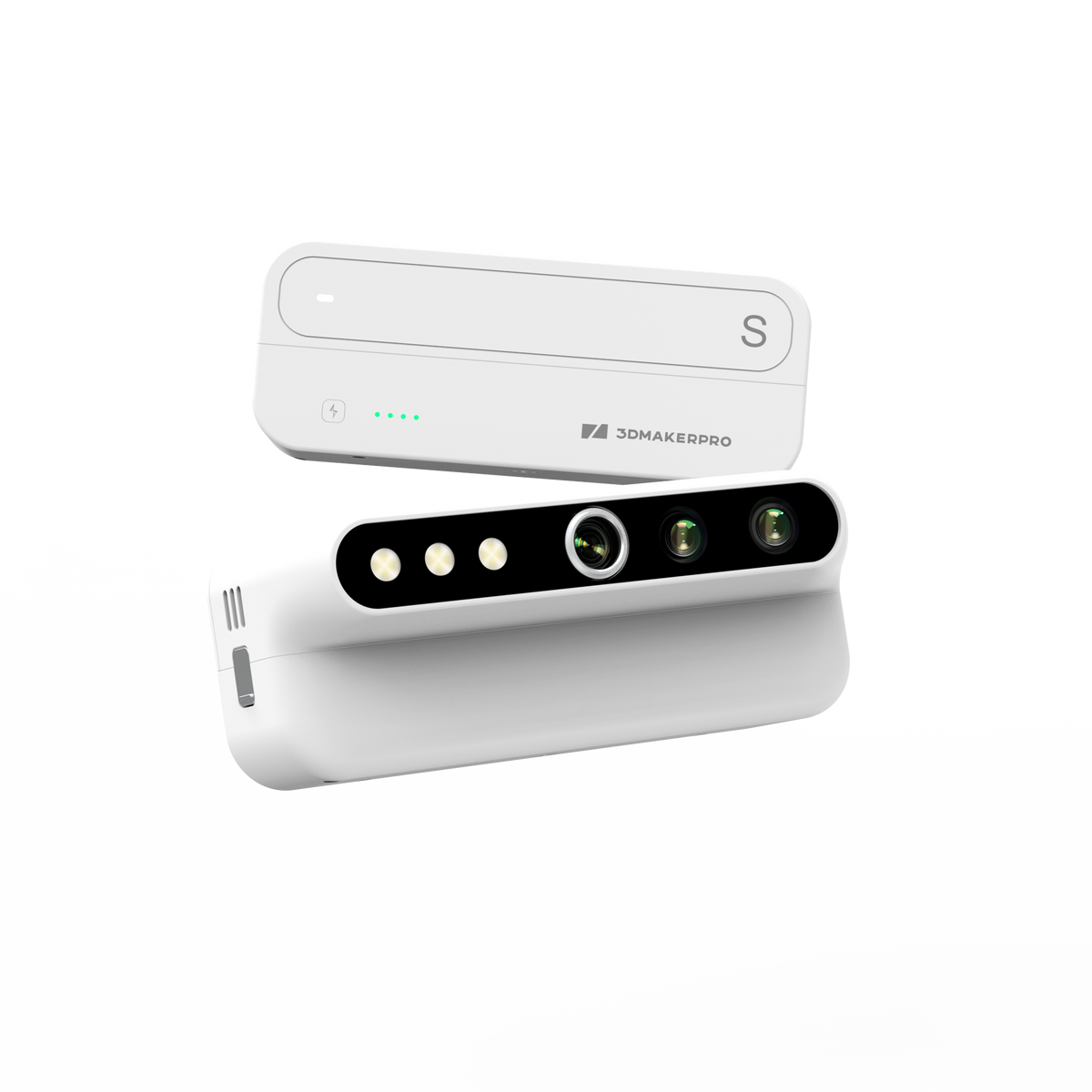
Three modules, each engineered for its own working range — not one lens stretched across every job. Swap in S for a 10mm miniature, L for a 2-meter panel, and the host stays the same.
A scan you can finish is the only scan that counts.
PURE FEATURE ALIGNMENT → ZERO PREP
Turtle aligns on the object's own geometry and texture — no markers to place, no cleanup afterwards. For extremely smooth, featureless surfaces, a light coat of scanning spray adds the features it needs. Still no markers.
FEATURE RELOCALIZATION → RESUME WHERE YOU WERE
If tracking drops, just point the scanner back at any area you've already captured — it picks up and continues. No starting over.
HIGH FRAME RATE MODE → SMOOTH, RESPONSIVE PREVIEW
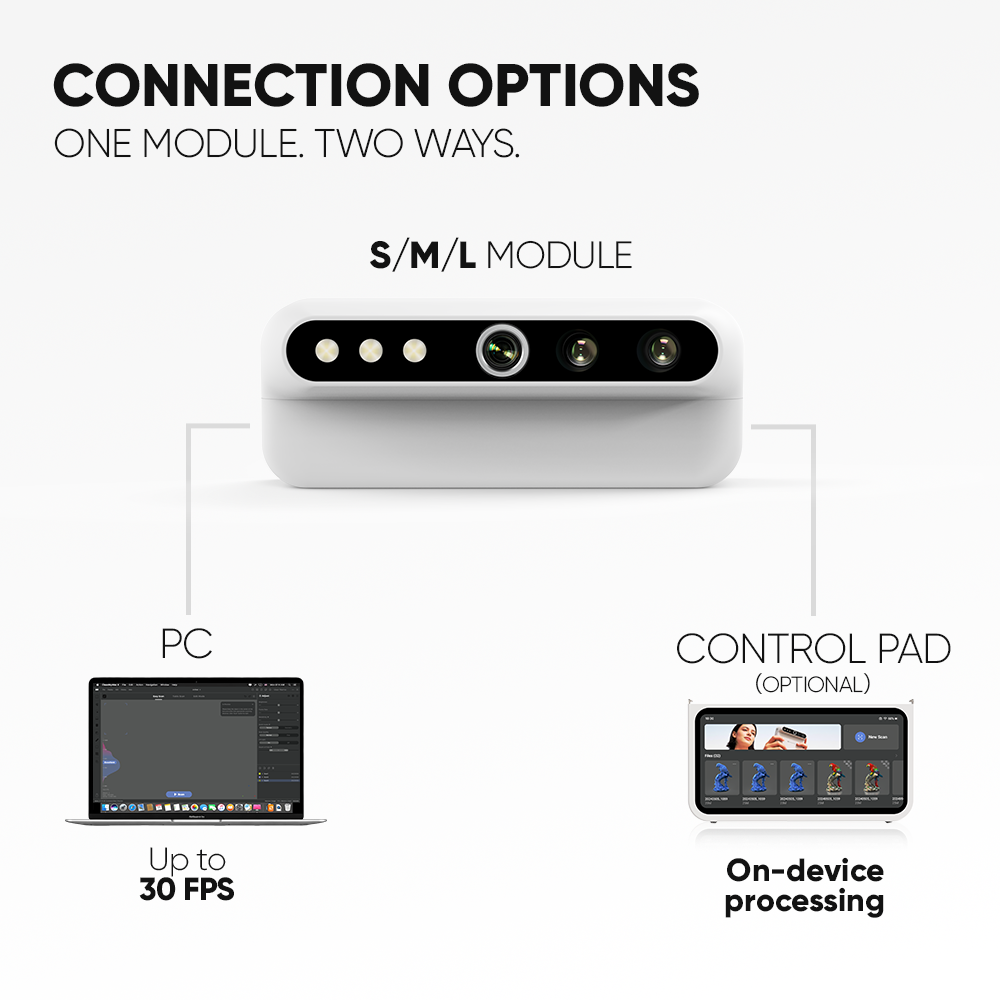
Connect to a PC and high frame rate mode reaches up to 30fps — three times the standalone rate. Move faster without dropped frames or a laggy preview.
No calibration board. No setup wizard. Connect your module to the Control Pad or a computer, and the matching calibration file loads itself — you're scanning in under 10 minutes.
Plug in
Connect your module to the Control Pad or a computer
Auto-calibrate
Calibration loads itself with the module
Start scanning
Point and go
Capture on
Process & export on
From connection and calibration to optimization and export, JMStudio keeps your entire scanning workflow simple and guided.
The exclusive 3D scanning software by 3DMakerpro. Real-time capture, one-click optimization, and seamless export to STL, OBJ, PLY & ASC formats.
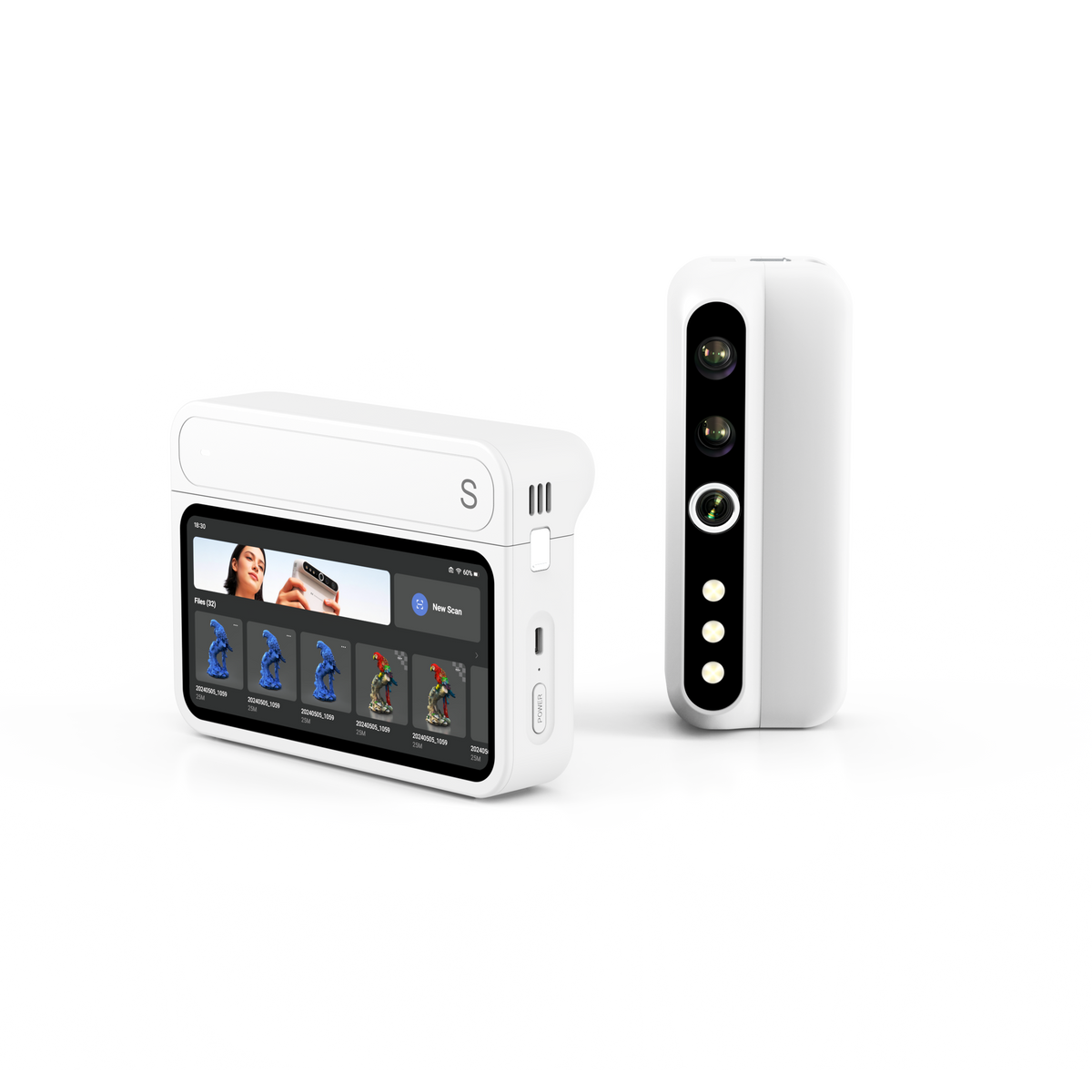
All-in-one base unit
Specifications are subject to change. Actual accuracy depends on scanning conditions and object surface.

Standard

Premuim

Luxury
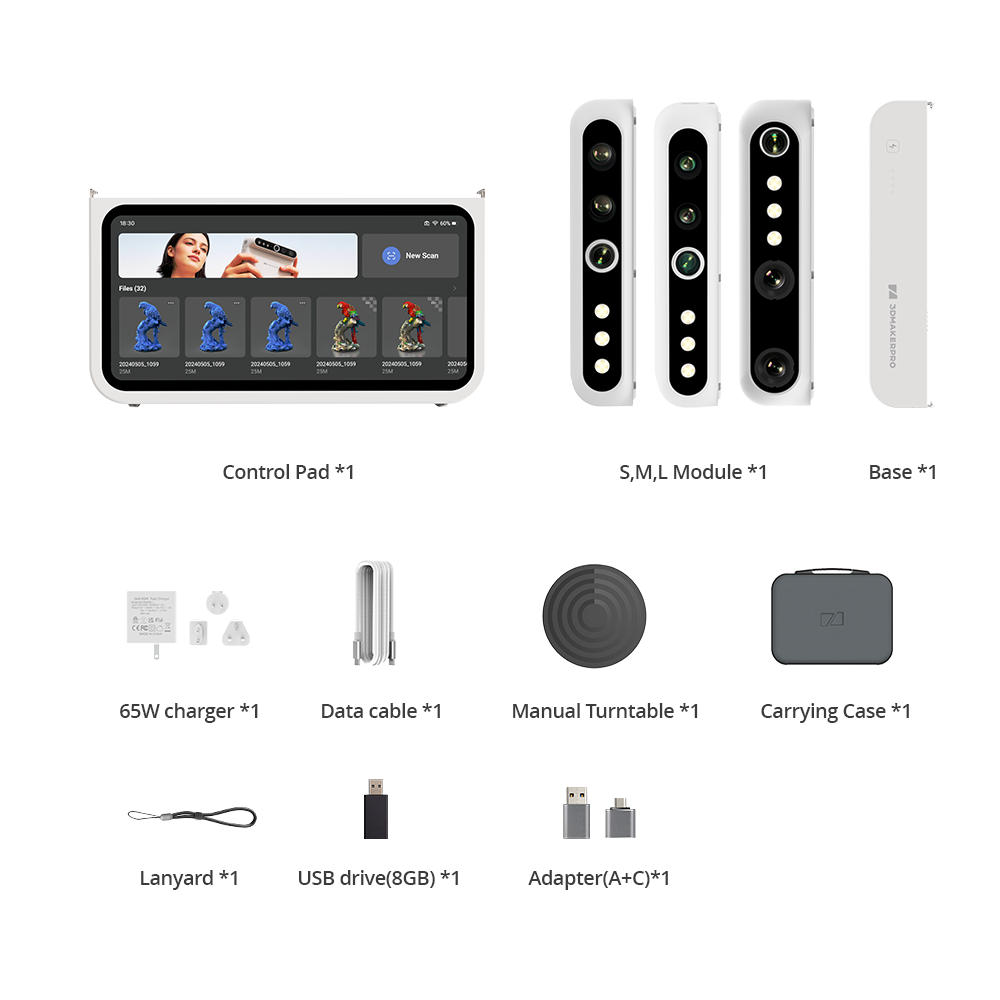
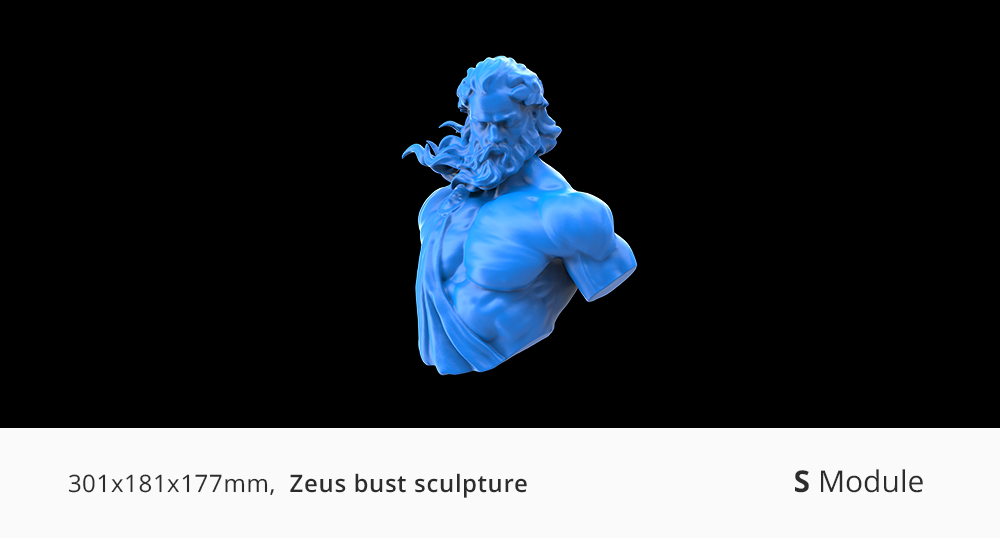
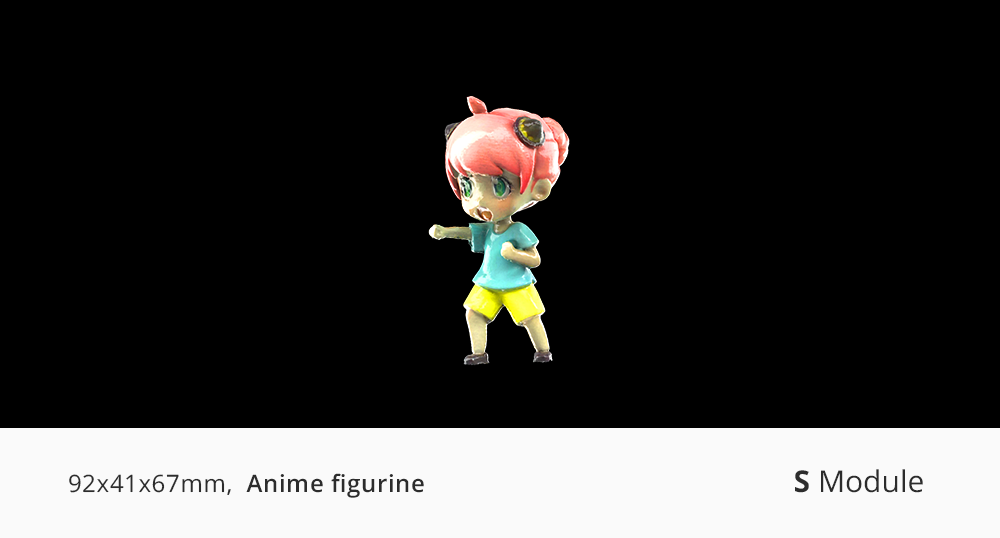
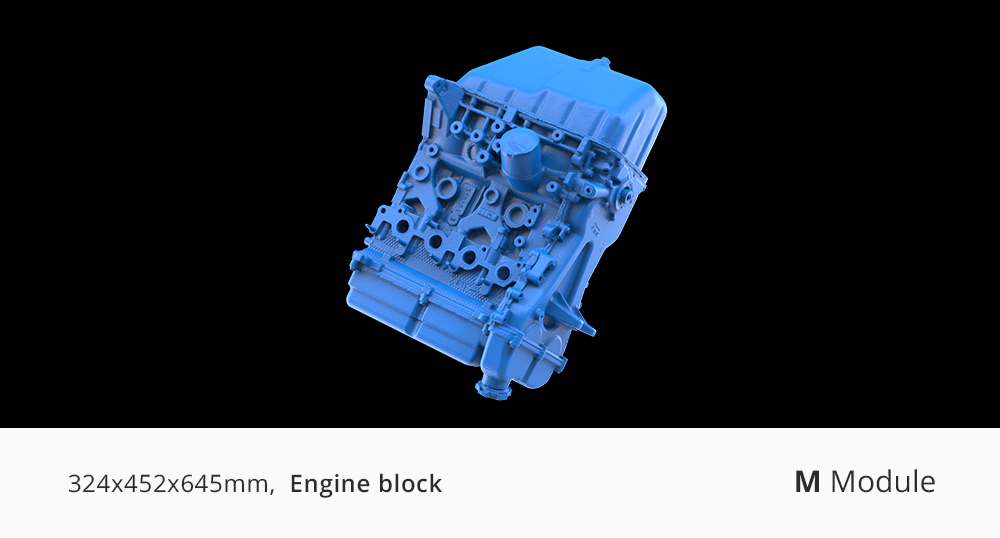
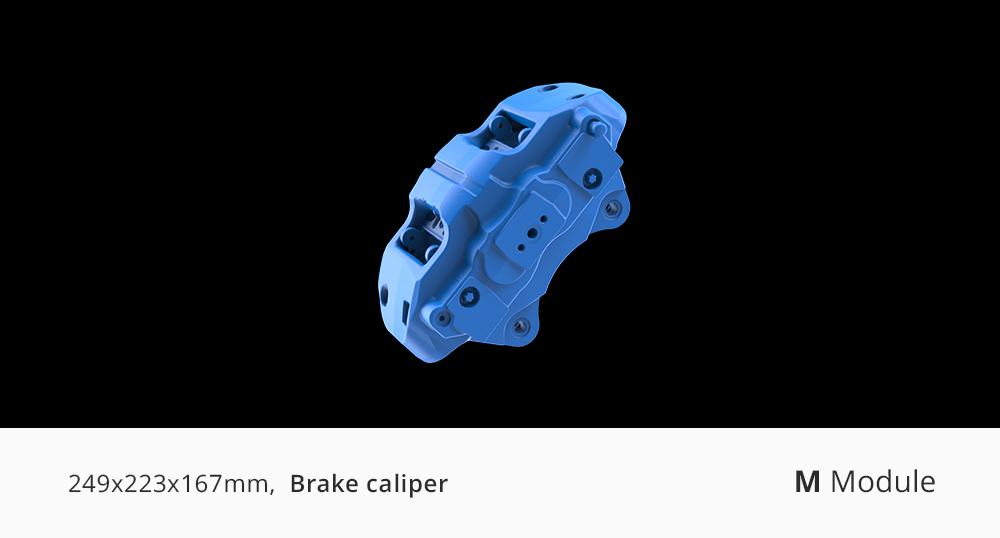
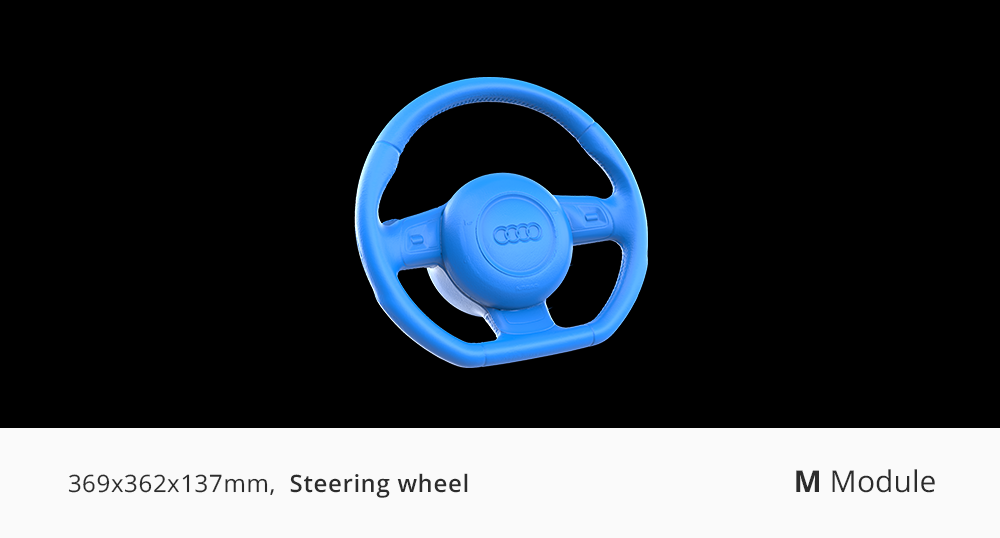
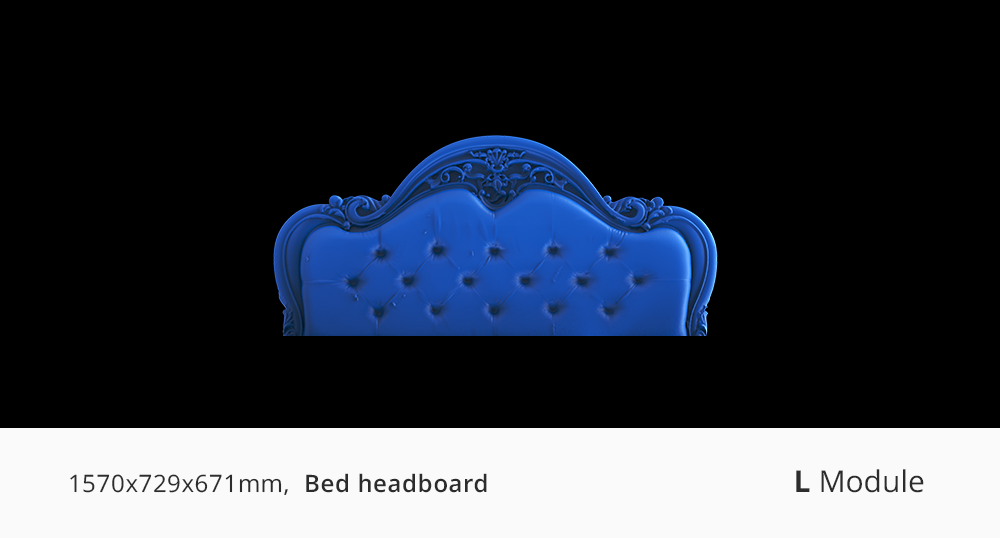
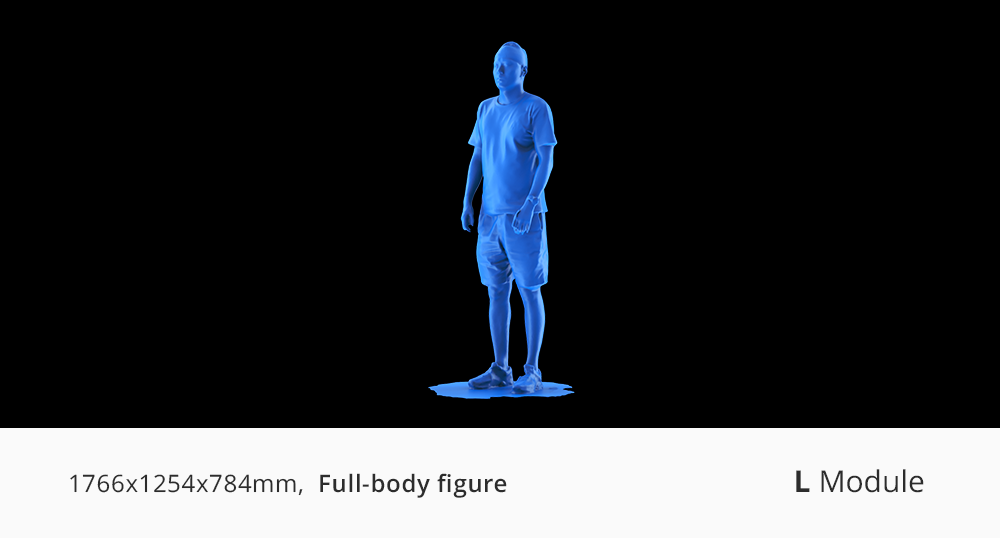
Match the module to the objects you scan most. S is for small, detailed pieces like miniatures and jewelry-scale parts (10–300mm). M is the everyday workhorse for mid-size objects such as engine parts, helmets, and shoes (15–1500mm). L covers large items like bumpers, furniture, and full-body scans (100–2000mm). If your work spans two ranges, most people start with M and add a second module later — the Control Pad works with all three.
Either one works. The module is the scanner — it needs something to run it. Connect it to a computer, or use the Control Pad to work without one: capture, processing and export all run on the device. Start with a module, add the Control Pad later. The Control Pad pairs only with Turtle modules and can't scan on its own.
A module is the scanner; the Control Pad is what makes it standalone. Connect a module to a computer and it scans on its own — no Control Pad needed. Add the Control Pad and the same module runs untethered, with capture, processing, and export all on the device. The Control Pad cannot scan by itself, and it works only with Turtle Series modules — not with other 3DMakerpro models.
No. Turtle runs the full workflow — scanning, processing, and export — on the Control Pad itself, with results on the 6.4″ screen. Connecting to a PC is optional and unlocks high frame rate mode at up to 30fps for a smoother preview.
No. Turtle aligns on the object's own geometry and texture, so there's nothing to stick on and nothing to clean off afterwards. For very smooth, featureless surfaces such as polished metal or clear plastic, a light coat of scanning spray adds the surface detail the scanner needs — still without markers.
No calibration board, no setup wizard. Connect a module to the Control Pad, and calibration loads automatically. Most users complete their first usable scan on the first day. Turntables and spray are optional aids, not requirements.
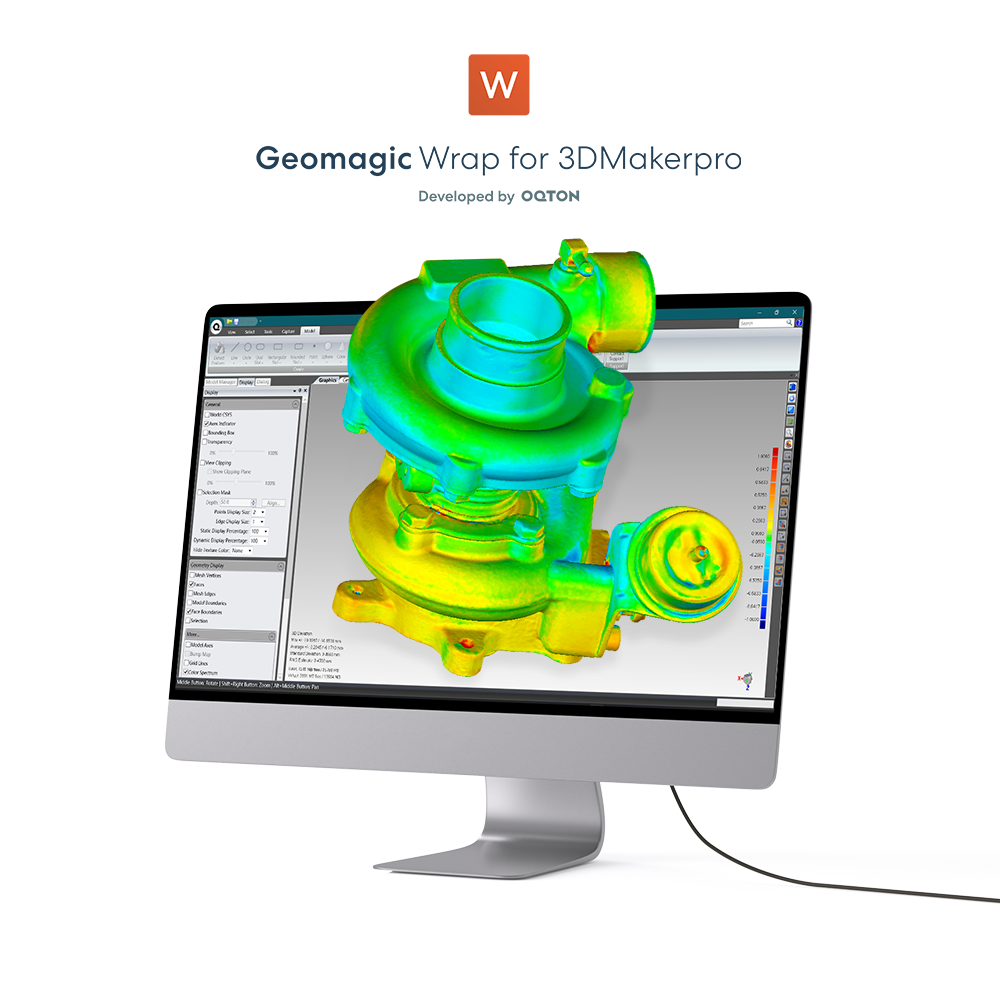
JMStudio is free and included — live capture, one-tap optimization, and export to STL, OBJ, PLY, and ASC. You can also skip it entirely: raw point clouds go straight into CloudCompare, MeshLab, Geomagic, and your CAD or slicing tools. There is no format lock-in and no subscription.
Objects with visible surface features scan best — machined parts, sculptures, furniture, shoes, automotive components, and printed models. All three modules handle matte dark surfaces. Glossy, transparent, and highly reflective surfaces are harder for any structured-light scanner; a light coat of scanning spray is the reliable fix.
Modules are swapped between scans, not during one. Stop the current scan, change the module, and reopen your project — calibration for the new module loads automatically. It works like changing a camera lens: you're choosing the right tool for the next object, not interrupting your work.
Three ways: 5GHz Wi-Fi, a direct hotspot connection from the Control Pad, or a USB drive. Over 5GHz Wi-Fi a 3GB project transfers in about 35 seconds. The device compresses your project automatically before export. Actual speeds vary with your network environment.
Turtle replaces three separate scanners with one Control Pad and three swappable modules, so your size range grows without buying another complete unit. Compared with the predecessor generation, the sensor goes from 1.3MP to 2.3MP for finer detail and color, each frame covers more than twice the area at 1.5× the scan depth, and the whole workflow — capture to export — now runs on the device without a computer.
Modules are sold individually, so you can start with one and add others as your work changes — the Control Pad recognizes each module automatically. If you already scan from a computer, a module alone is enough; add the Control Pad whenever you want to work untethered. Turntables, tripods, and scanning spray from earlier 3DMakerpro kits work with Turtle. Modules and Control Pad are specific to the Turtle Series and are not cross-compatible with earlier models.
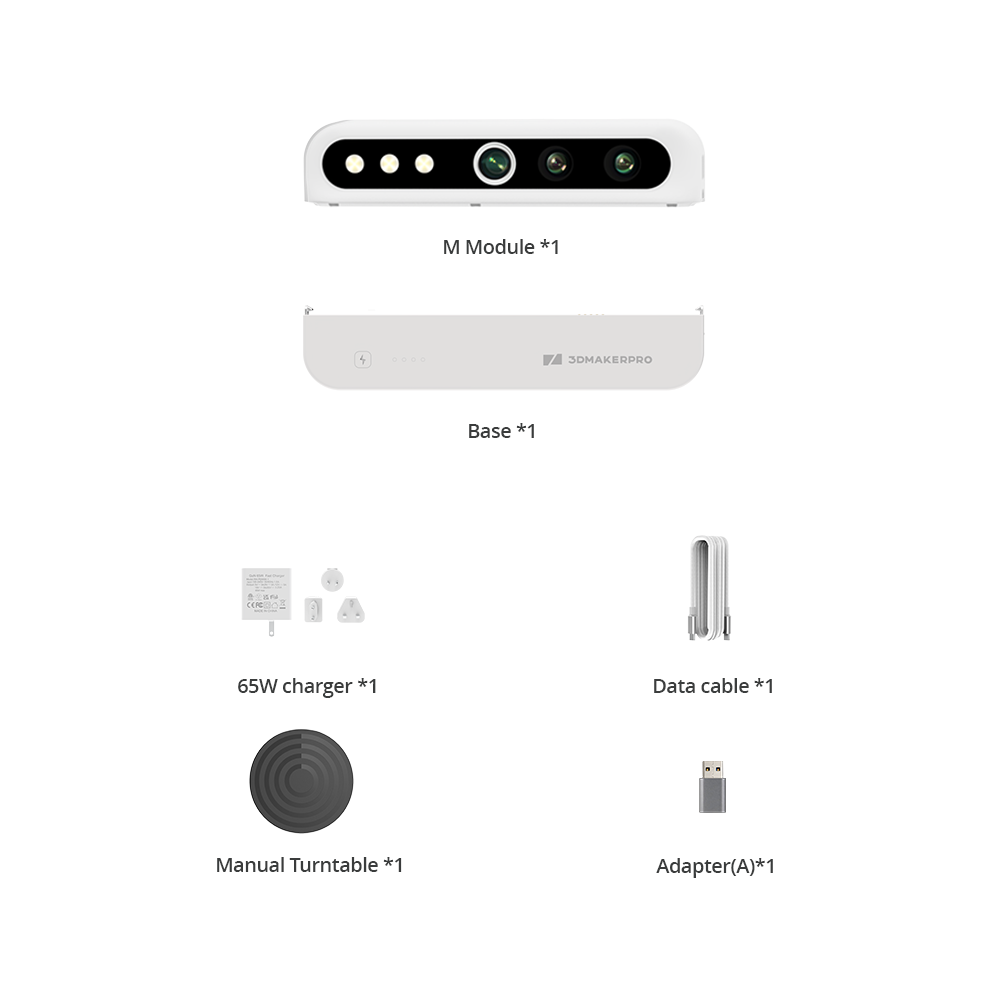
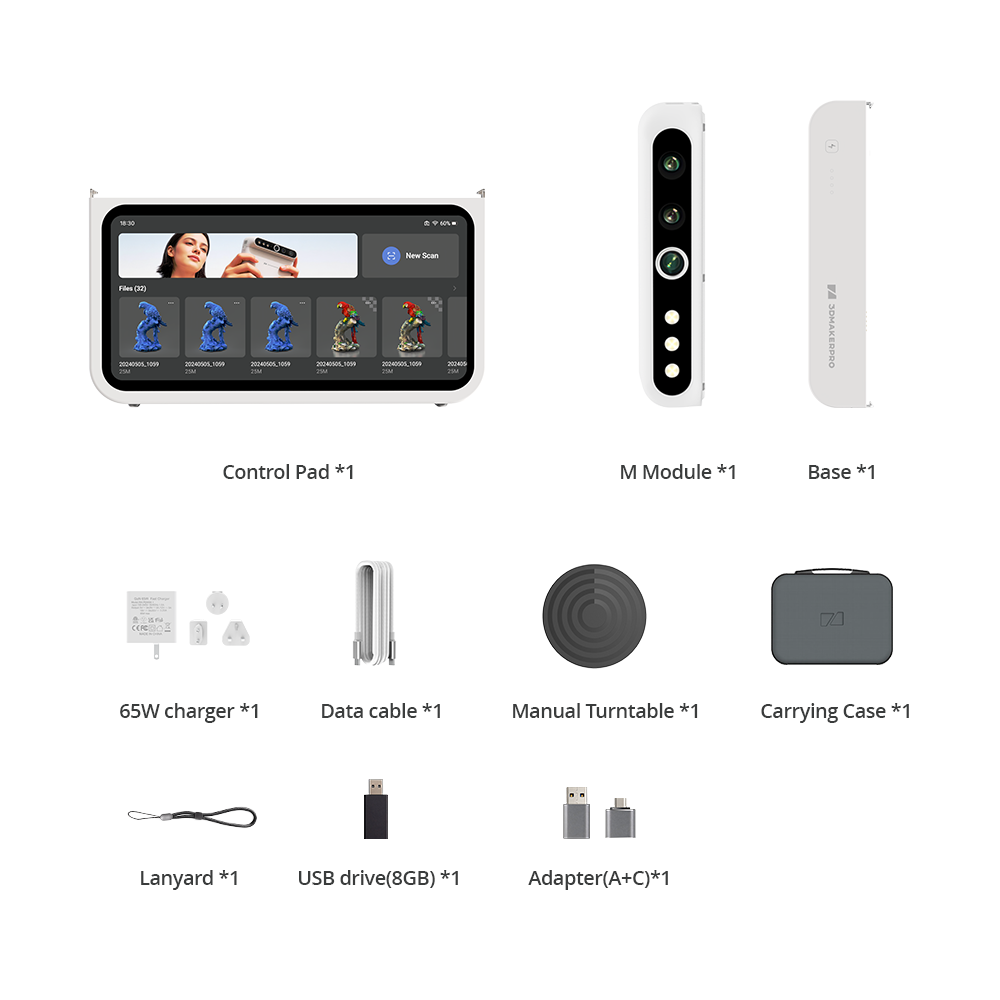
Every configuration includes the Control Pad, your selected module or modules, cables, and the quick start guide. Bundles that pair the Control Pad with one or more modules also include a carrying case. Turntables, tripods, and scanning spray are available as add-ons in the configurator above.
Turtle is on pre-order, and pre-order pricing applies during the launch period. Sea freight to our European warehouse begins in mid-August, with the first deliveries expected from mid-September. Orders ship in the sequence they were placed, so ordering earlier means shipping earlier. We'll email you when your order leaves the warehouse.
Turtle comes with a standard two-year warranty covering manufacturing defects. Support is available through our contact page, the user forum, and the community group — links are in the footer. Software updates and manuals are free for the life of the product.